Pristin
Ever wondered what's actually installed on your Mac? Pristin gives you full visibility and control over
every package, library, framework, and app on your system and helps you safely remove what you no
longer need. Down to the last crumb.
Also, the software is hand-crafted by me, a
developer with
over 10
years of experience and professional education in this field. This is NOT just another vibe coded app.
You decide what stays.
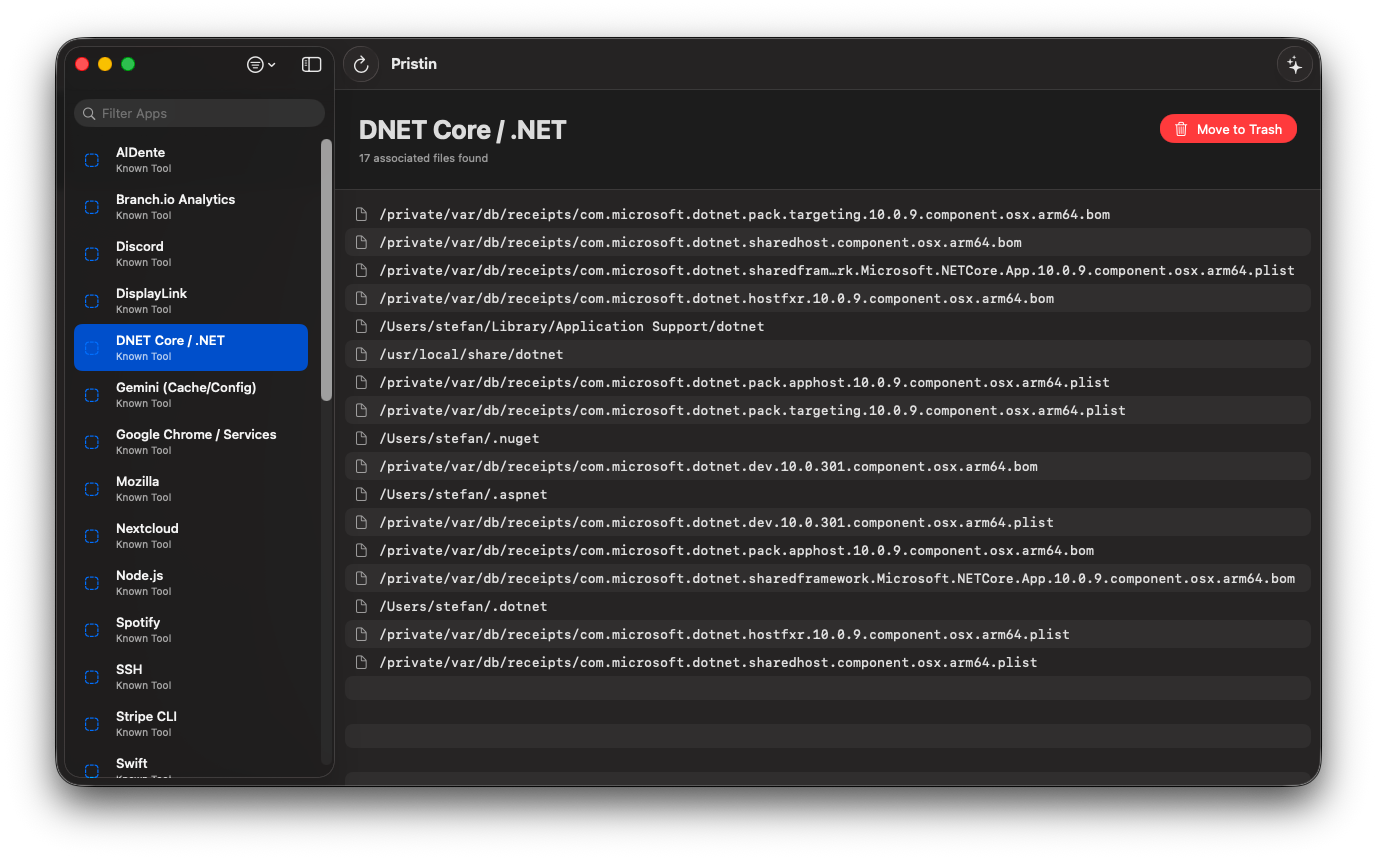
Pristin gives you the tools to understand and manage every piece of software, library, framwork, cache and more on your system.
Sandbox Tracking
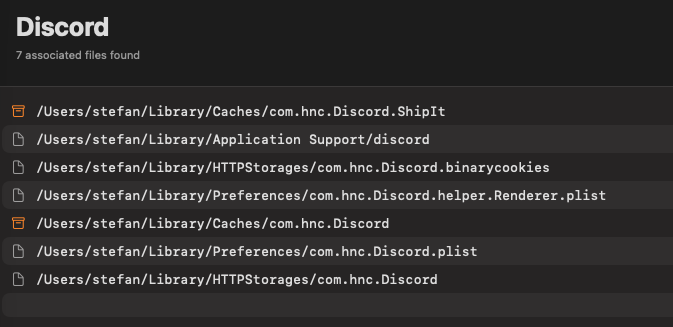
Dragged an app to the trash and thought it was gone? Think again. Pristin finds every orphaned file and directory that slipped outside the App Store sandbox, the stuff macOS (and other Mac cleaners) won't tell you about.
Deep Cache Discovery
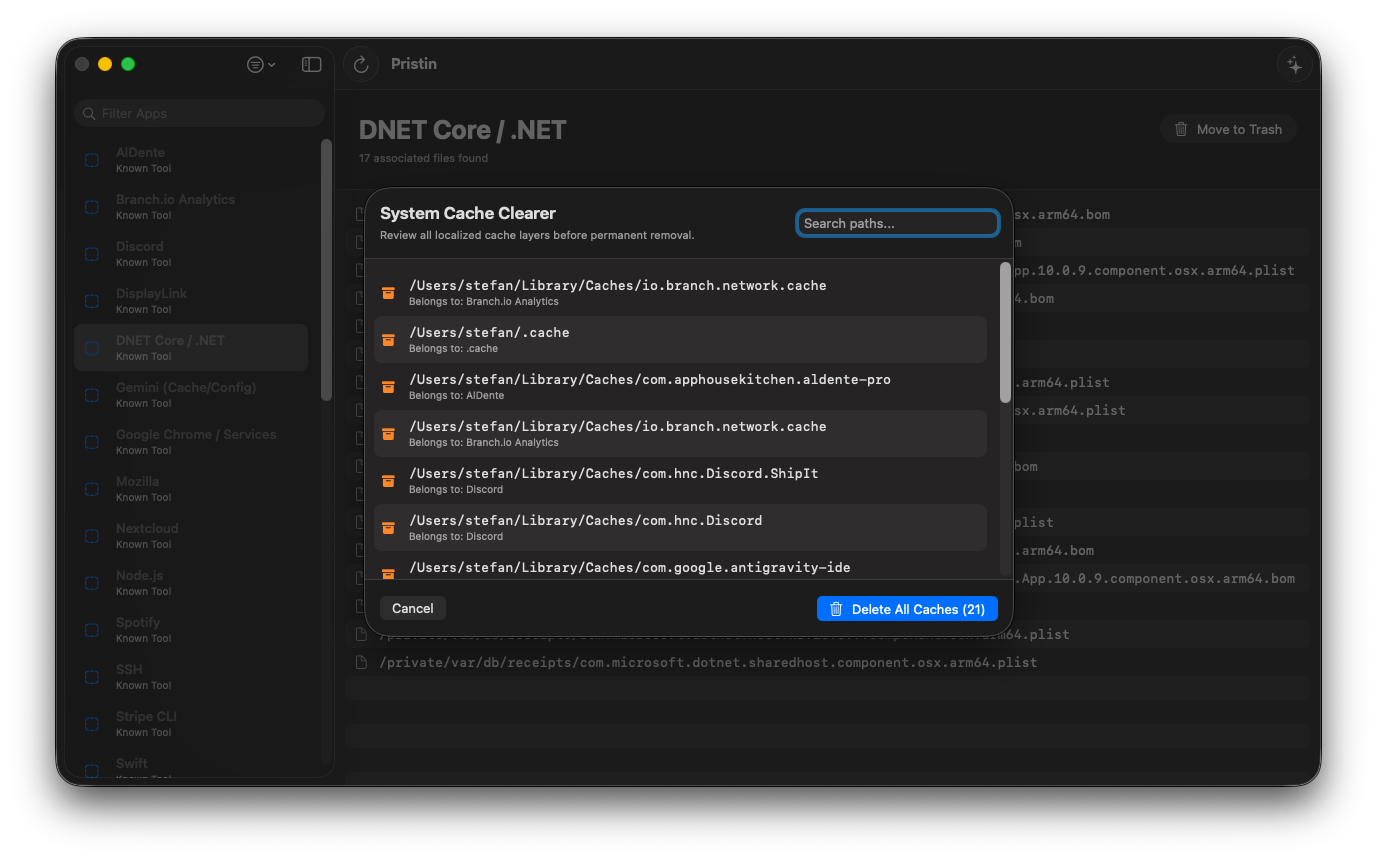
Caches pile up in places you'd never think to look. Pristin digs into nested system directories and user-space folders to surface the accumulated junk that eats your storage over time.
Daemon & Launch Detection
Some apps leave background services running long after you've uninstalled them. Pristin exposes lingering launch agents, daemons, and helper processes that are silently consuming resources.
Express Cache Purge
One click to flush volatile system caches and user-space buffers. Reclaim memory and disk space safely and instantly, without touching anything your system actually needs.
Full Inventory View
See everything that's installed on your Mac in one place: Homebrew packages, pip libraries, npm modules, system frameworks, standalone apps. You finally know exactly what lives on your machine.
Safe Removal
Pristin doesn't just delete blindly. It understands dependencies, flags system-critical components, and lets you review everything before confirming. You stay in control at every step.
Every last crumb.
Most uninstallers only scratch the surface. Pristin goes layers deep to find the things you didn't even know were there.
- Homebrew formulae, casks, and their scattered dependencies
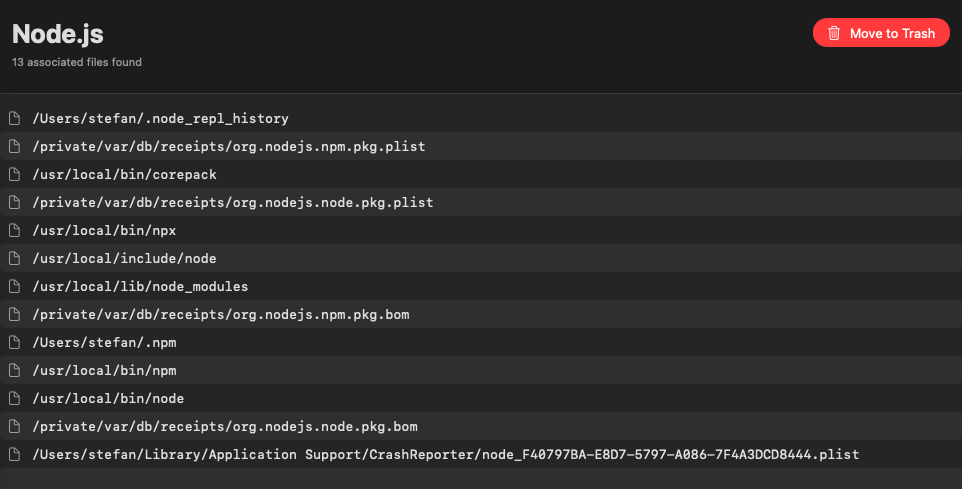
- Python packages, Node modules, and other package manager artifacts
- UNIX-style libraries and frameworks buried deep in /usr/local
- Preference files, plists, and app support folders left behind after uninstall
- LaunchAgents, LaunchDaemons, and login items from apps you removed months ago
- Cached data, logs, and temporary files spread across multiple system locations
Your Mac. Your rules.
Stop guessing what's lurking on your system. Pristin puts you back in the driver's seat to see everything, decide what stays, and clean up the rest.